Operational focus
<built-in method copy of dict object at 0x7f44f9059400>
Industry
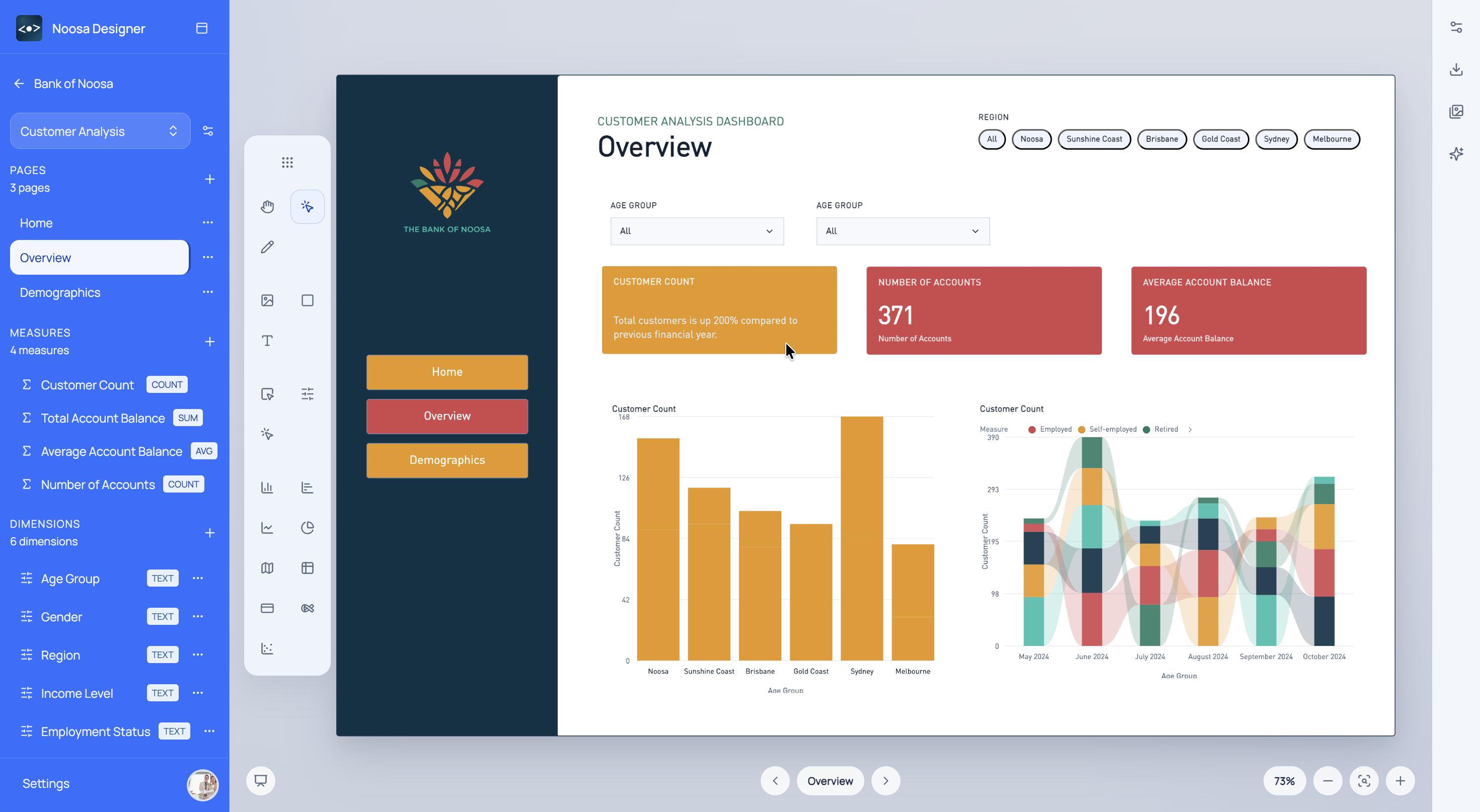
Clarify healthcare reporting structure and KPI emphasis earlier so operational dashboards are easier to review and deliver.
What This Helps With
Healthcare teams often need simple, trustworthy presentation of complex operational information. Noosa helps define that structure earlier.
<built-in method copy of dict object at 0x7f44f9059400>
<built-in method copy of dict object at 0x7f44f905af80>
<built-in method copy of dict object at 0x7f44f9059880>
Noosa AI Example
A healthcare operations lead can use Noosa AI to quickly shape a page for service and capacity review.
The team gets a healthcare dashboard concept that is easier to read, easier to approve, and easier to build.
Typical Workflow
<built-in method copy of dict object at 0x7f44f8903b40>
<built-in method copy of dict object at 0x7f44fbb9f1c0>
<built-in method copy of dict object at 0x7f44f9059900>
Start for free
Choose a sign-in method to open Designer.