Consistent colour use
<built-in method copy of dict object at 0x7f44f90596c0>
Use Case
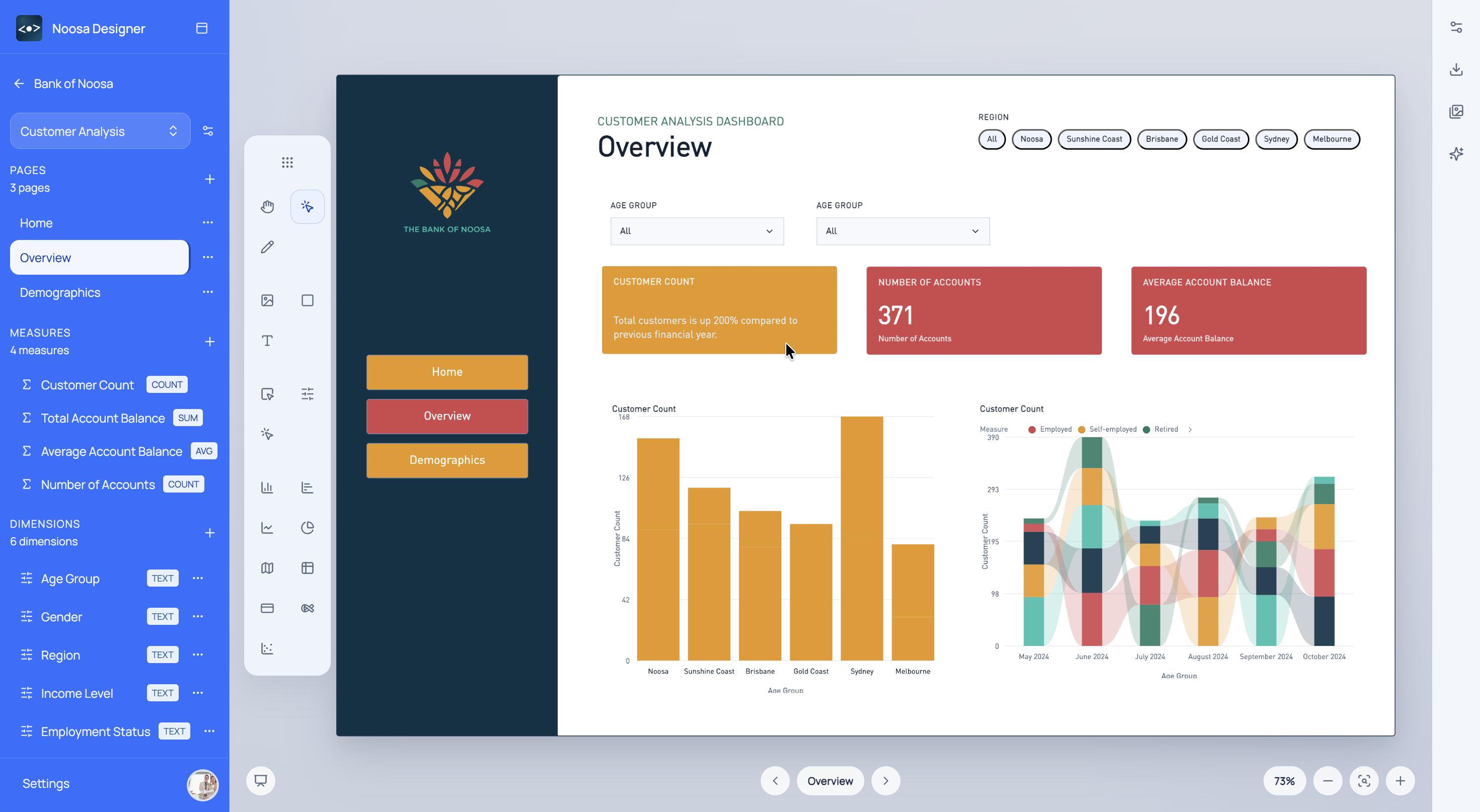
Keep dashboard outputs aligned to brand colours, logos, and visual rules without manually restyling every deliverable.
What This Helps With
Brand automation is useful when teams need reporting outputs to feel coherent across projects, clients, or business units.
<built-in method copy of dict object at 0x7f44f90596c0>
<built-in method copy of dict object at 0x7f44f8eb4580>
<built-in method copy of dict object at 0x7f44f8eb4500>
Noosa AI Example
Noosa AI can help apply brand logic to a page after the data story is already in place.
The result is a branded dashboard concept that feels deliberate, reusable, and easier to deliver consistently.
Typical Workflow
<built-in method copy of dict object at 0x7f44f8903c40>
<built-in method copy of dict object at 0x7f44fbb4a880>
<built-in method copy of dict object at 0x7f44fbb4a4c0>
Start for free
Choose a sign-in method to open Designer.