Faster review cycles
<built-in method copy of dict object at 0x7f44f89b17c0>
Use Case
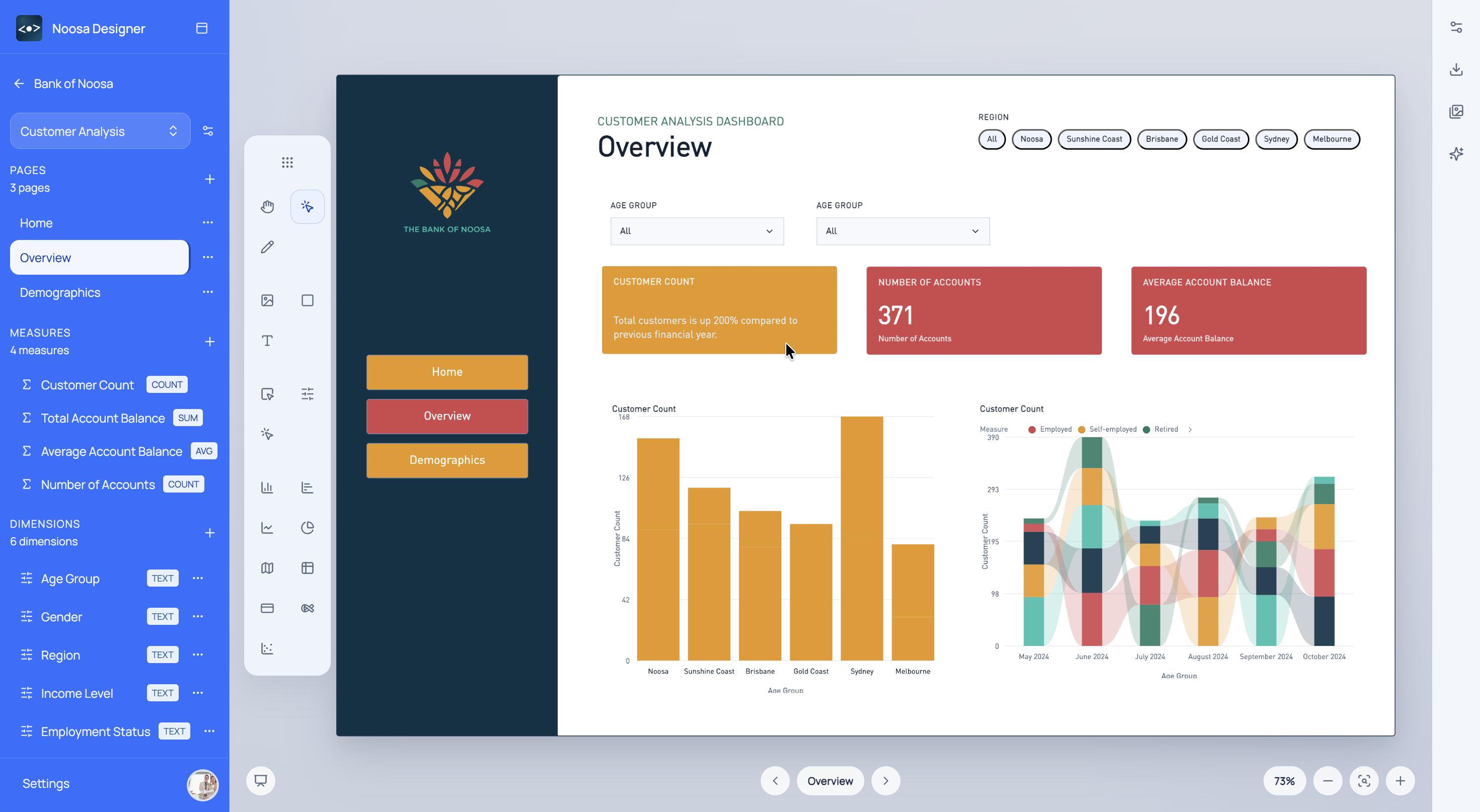
Prototype dashboard direction before the build starts, so teams can align on layout, KPI story, and presentation quality earlier.
What This Helps With
This workflow is built for teams who need a strong prototype before time is spent wiring the final model and report logic.
<built-in method copy of dict object at 0x7f44f89b17c0>
<built-in method copy of dict object at 0x7f44f92a6b40>
<built-in method copy of dict object at 0x7f44f92a6080>
Noosa AI Example
A team can describe the reporting story in plain English and let Noosa AI build out the first prototype quickly.
The team gets a credible first version of the dashboard story in minutes, ready for review and iteration.
Typical Workflow
<built-in method copy of dict object at 0x7f44f92a5740>
<built-in method copy of dict object at 0x7f44f91d7640>
<built-in method copy of dict object at 0x7f44f92a57c0>
Start for free
Choose a sign-in method to open Designer.