Shared dashboard patterns
<built-in method copy of dict object at 0x7f44f89b1340>
Role
Standardize reporting direction, prototype quality, and dashboard presentation across analytics teams.
What This Helps With
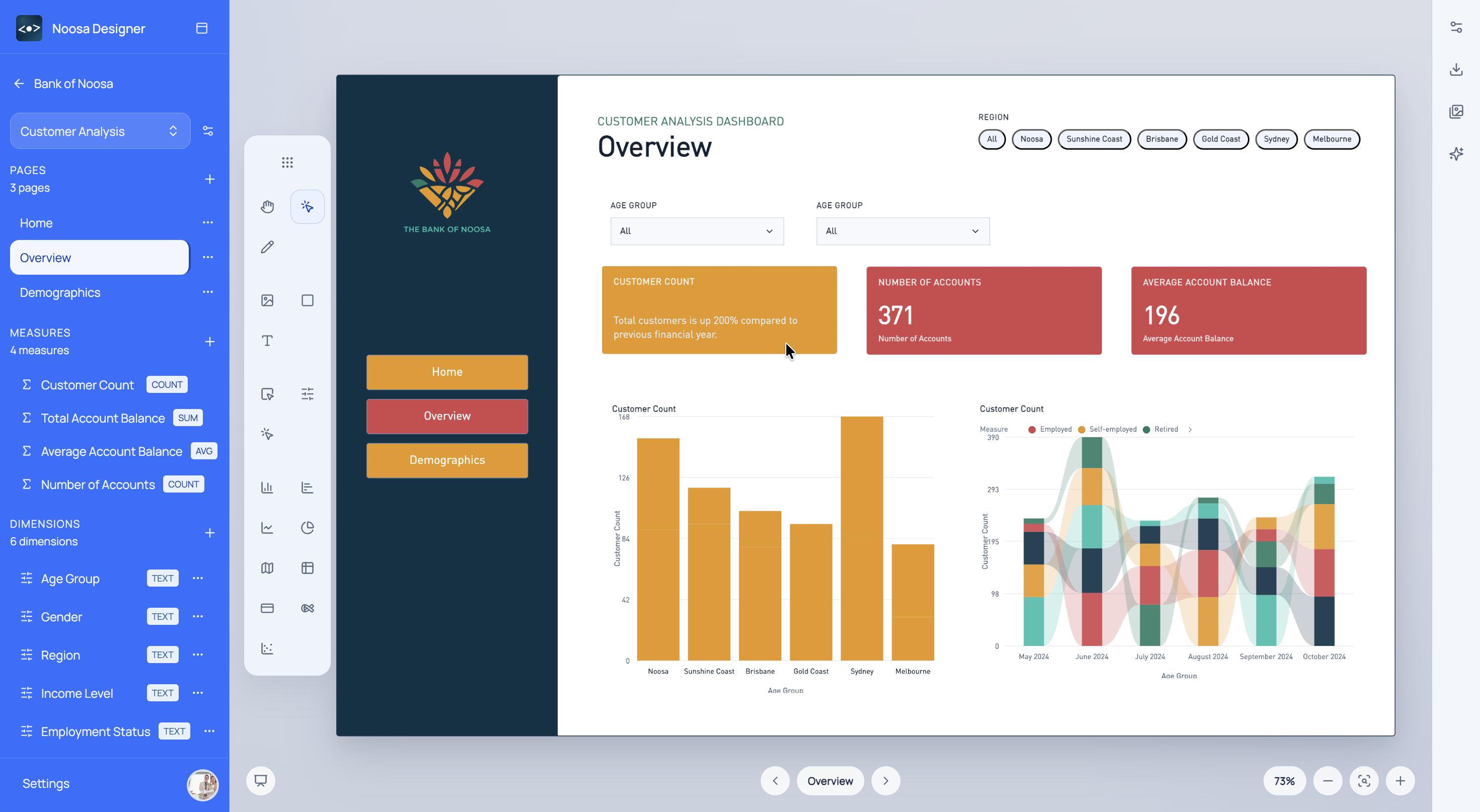
Analytics leads can use Noosa to improve consistency across dashboard prototyping, review, and handoff without slowing the team down.
<built-in method copy of dict object at 0x7f44f89b1340>
<built-in method copy of dict object at 0x7f44f9190380>
<built-in method copy of dict object at 0x7f44f91931c0>
Noosa AI Example
An analytics lead can use Noosa AI to enforce a cleaner prototype structure across a team dashboard.
The lead gets a stronger prototype standard without manually rebuilding every page.
Typical Workflow
<built-in method copy of dict object at 0x7f44f89b0100>
<built-in method copy of dict object at 0x7f44f89b3300>
<built-in method copy of dict object at 0x7f44f91929c0>
Start for free
Choose a sign-in method to open Designer.