Faster proposal support
<built-in method copy of dict object at 0x7f44f9187340>
Role
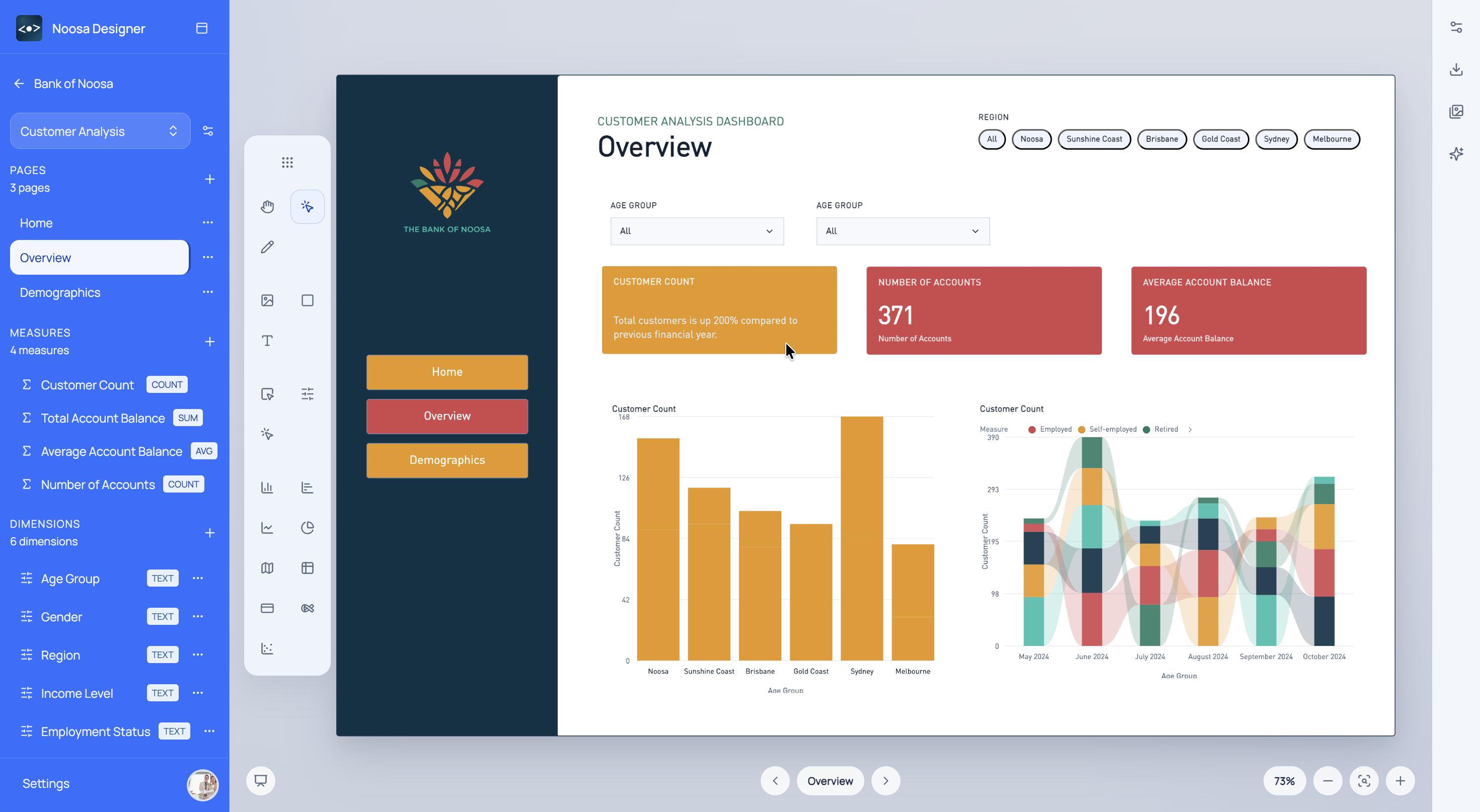
Use Noosa Designer to scope faster, present better dashboard concepts, and reduce rework across consulting engagements.
What This Helps With
Consultants often need to turn partial requirements into something tangible very quickly. Noosa helps compress that early phase.
<built-in method copy of dict object at 0x7f44f9187340>
<built-in method copy of dict object at 0x7f44f9186fc0>
<built-in method copy of dict object at 0x7f44f9187d00>
Noosa AI Example
A consultant can move from workshop notes to a review draft with a few targeted prompts.
Consultants can get to a stronger first draft faster and spend more time refining the message instead of constructing it from scratch.
Typical Workflow
<built-in method copy of dict object at 0x7f44f919ef80>
<built-in method copy of dict object at 0x7f44f9185680>
<built-in method copy of dict object at 0x7f44f919d600>
Start for free
Choose a sign-in method to open Designer.